

Step 1:
Use the program above to drag and drop, or upload an image of the picture you want framed.
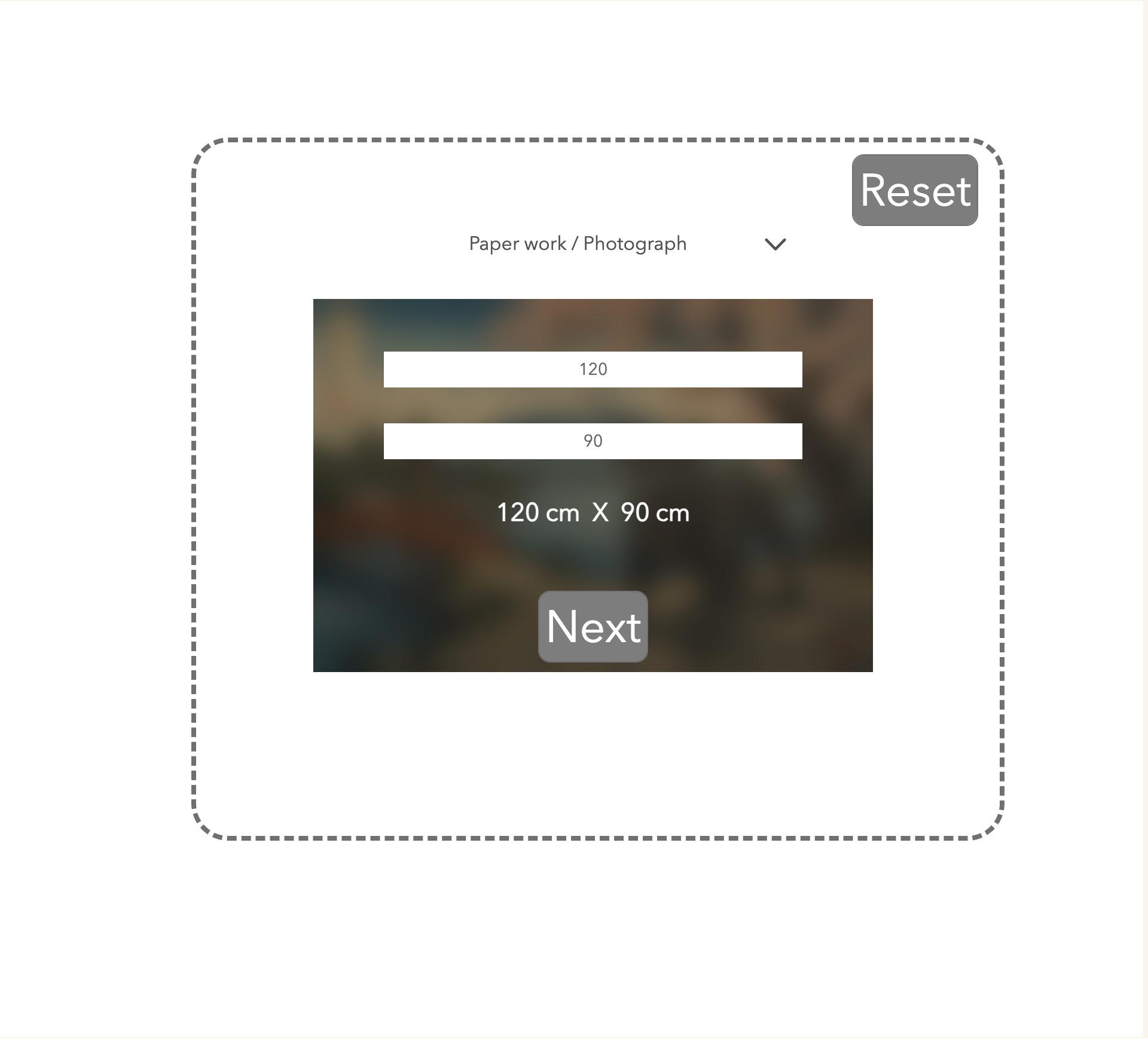
Step 2:
Select the type of artwork that you are framing from the drop down menu. Add in the dimensions of your picture and click next.
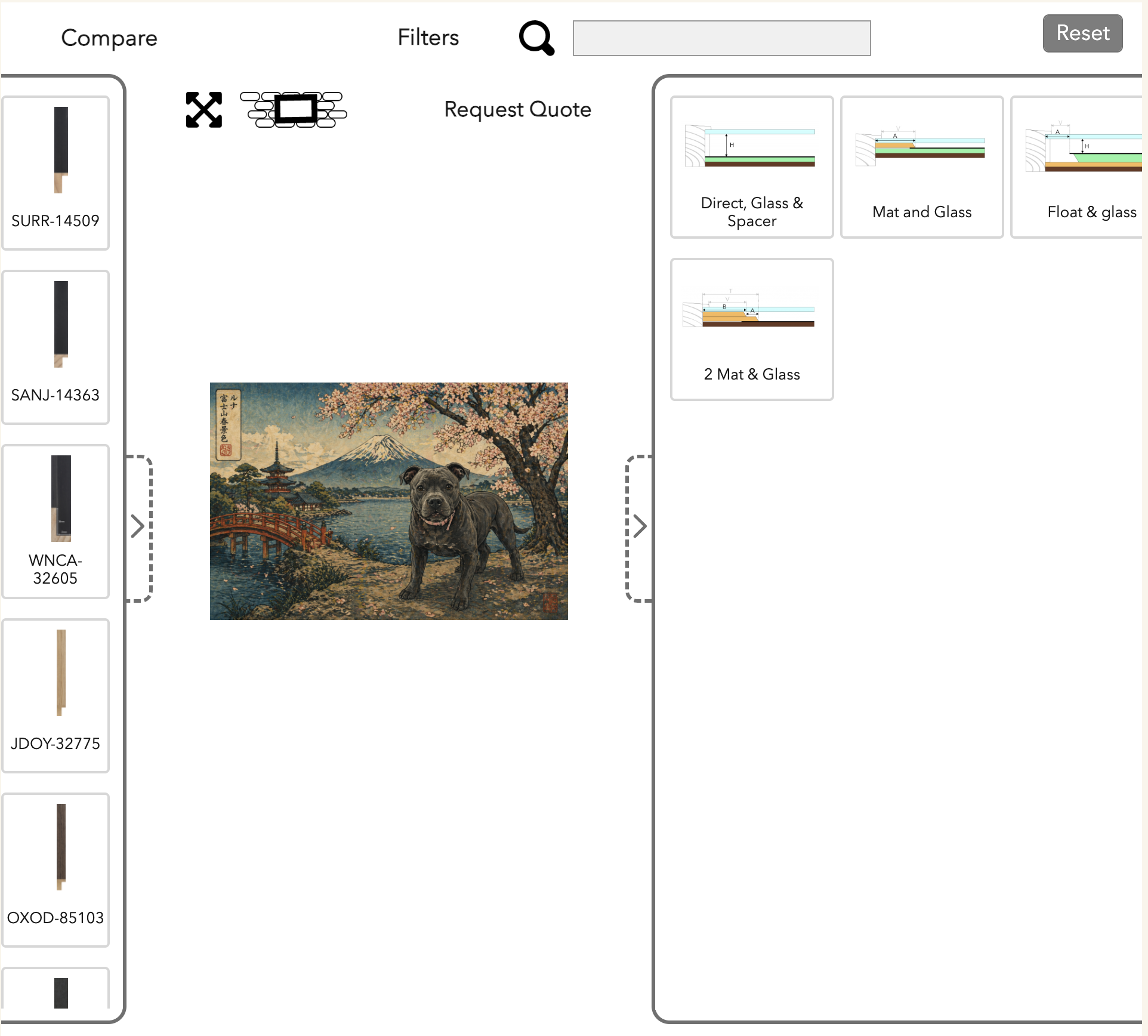
Step 3:
Get creative! Choose your framing method, frame and your matboard.
Above your artwork will be 2 icons.
The diagonal crossed arrows icon allows you to view and save your artwork in the framing of your choice.
The brick/frame icon will take you a page where you can ‘hang’ your artwork in your allocated environment.
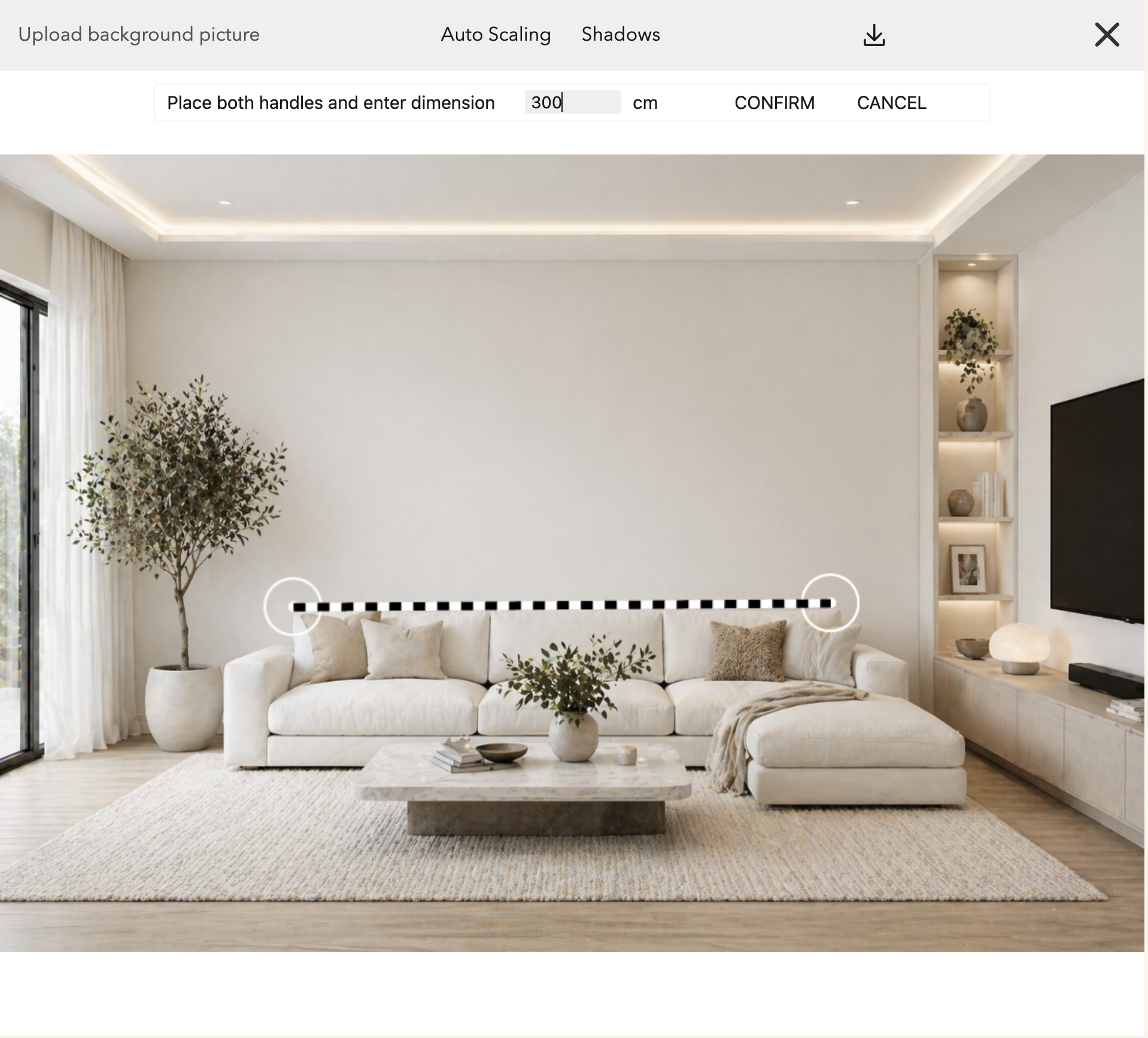
Step 4:
Follow the steps to upload a photo of your designated room.
Choose a point close to the wall. Use the striped line to mark out ancor points of any known length within the room ie wall length, to provide room scale.
Enter the measurement in the table above your picture and press CONFIRM.
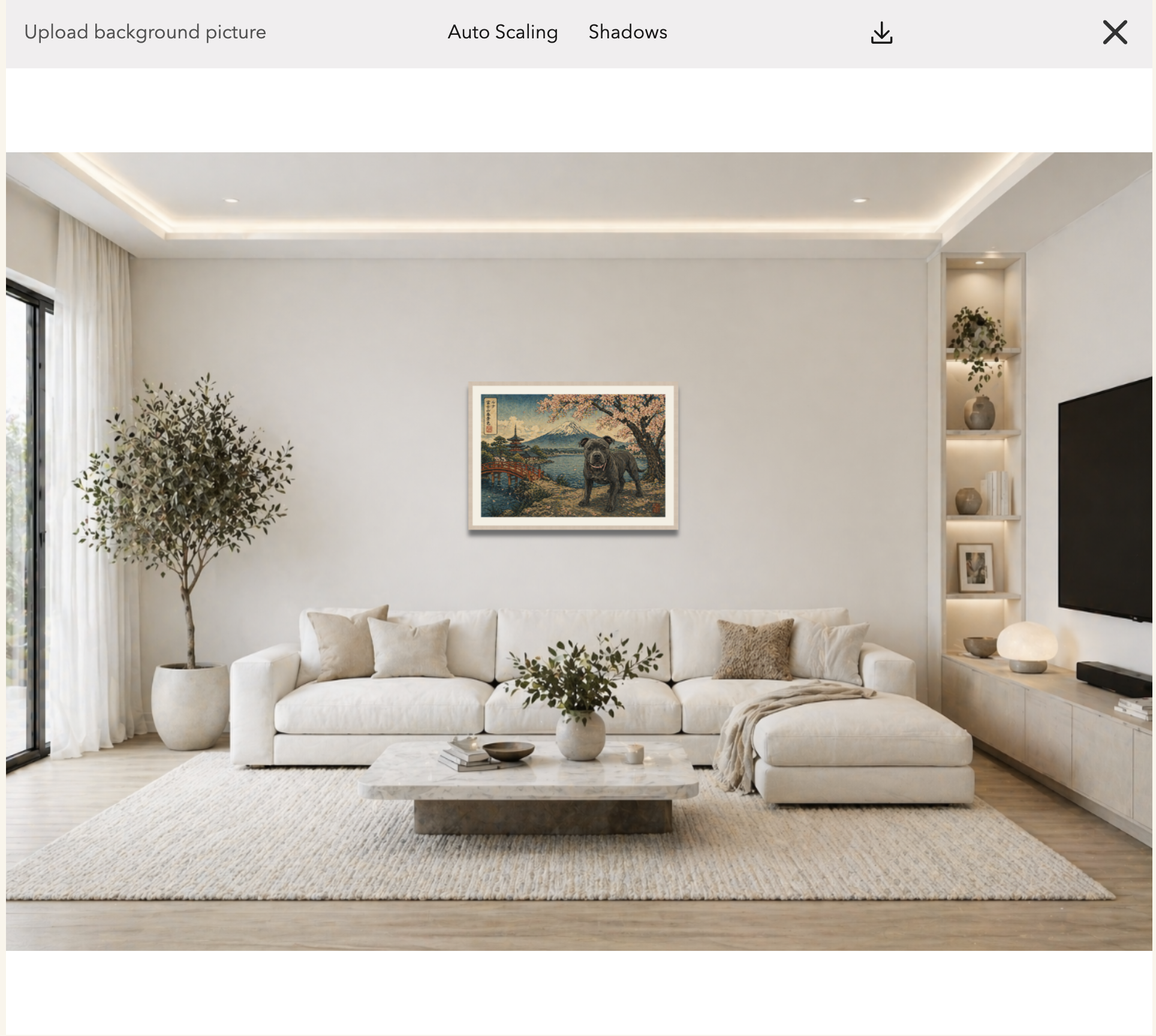
VOILA!! Your personalised preview is ready to view.
Click the X on the top right to go back to framing options.
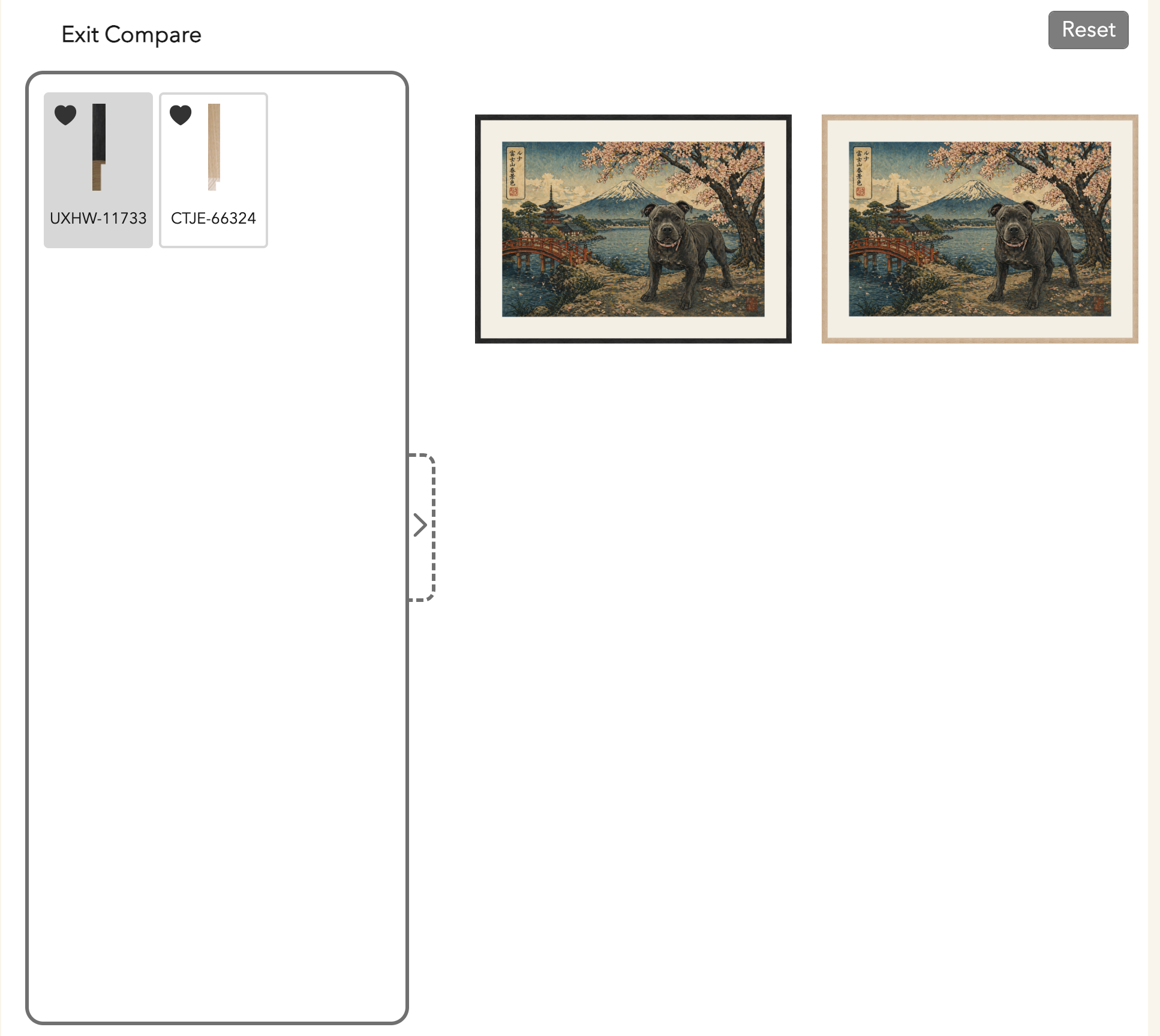
Feel free to play around with your picture; you can mix and match and press the hollow heart symbol on any frame that you like. You can then press COMPARE at the top of the page and your favourite options will display on one screen.
When are completely happy, click on the REQUEST QUOTE button and we will be in touch with a price for your choices.